Sep. 09, 2026
A slow checkout is rarely caused by the cashier alone. In many retail environments, the real bottleneck is the barcode capture process: shoppers present products at inconsistent angles, damaged labels fail to decode, and operators repeatedly rotate or reposition each item. A conventional single-line laser scanner may require precise alignment, creating seconds of delay on every transaction. Those seconds accumulate into queues, abandoned purchases, lower cashier productivity, and a weaker customer experience. For retailers operating during peak hours, ignoring scan performance can directly affect throughput, labor costs, and revenue. That is why WCMI’s Omni Directional Barcode Scanner technology deserves attention as a practical POS optimization.
!
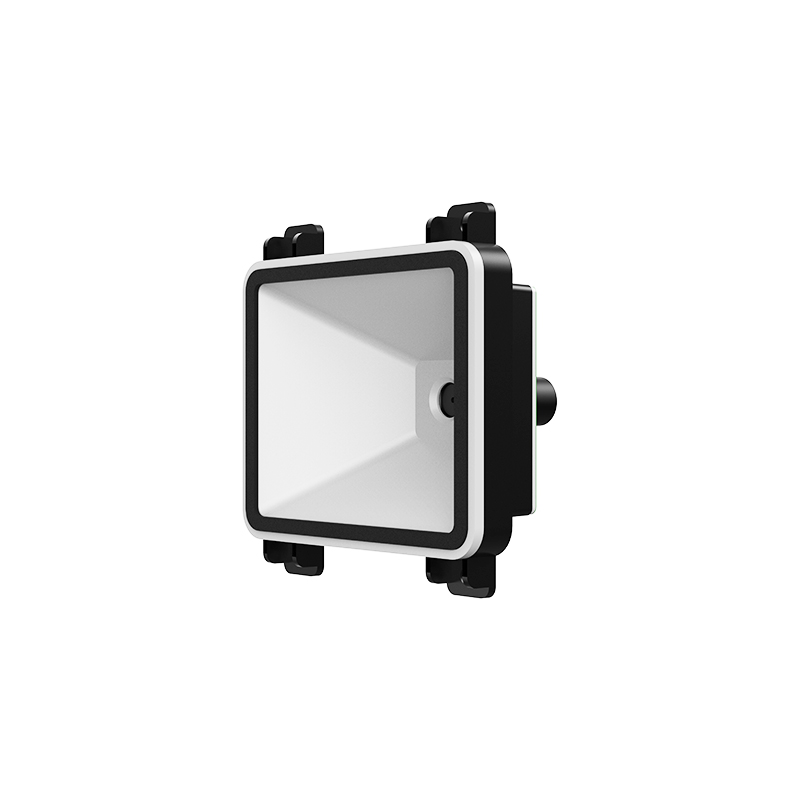
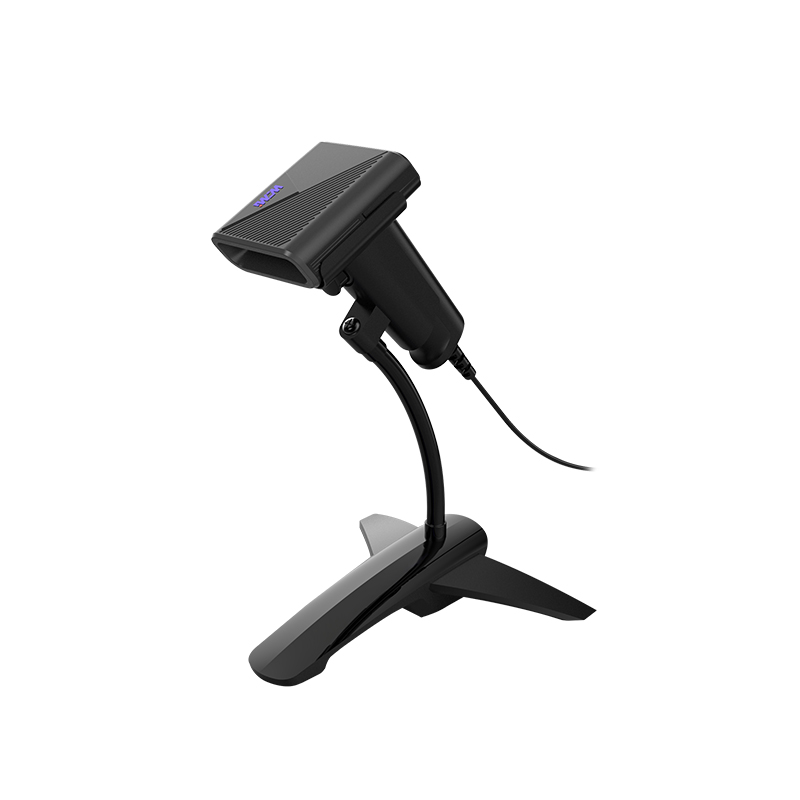
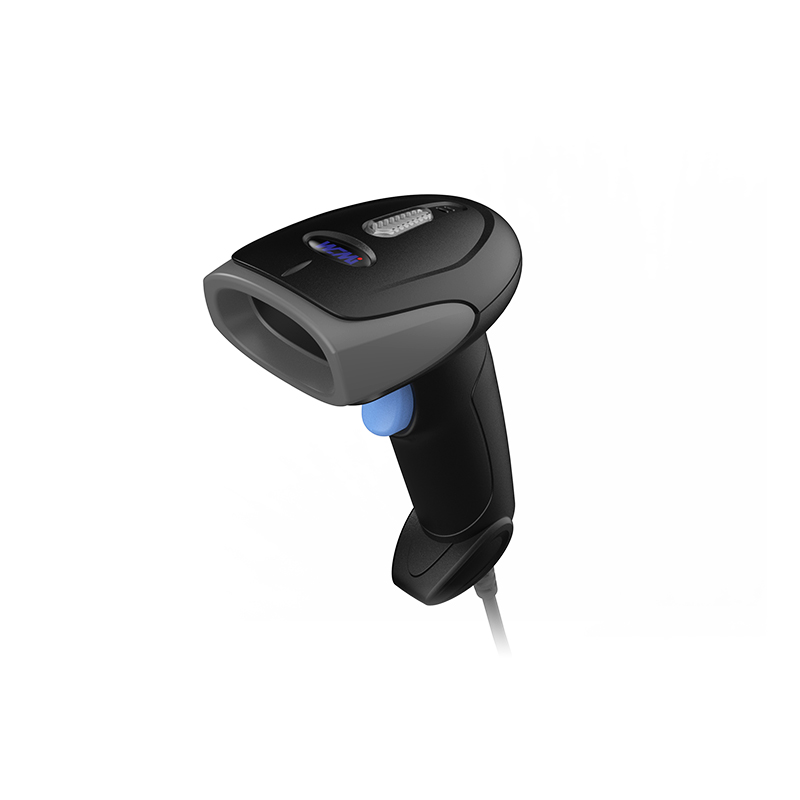
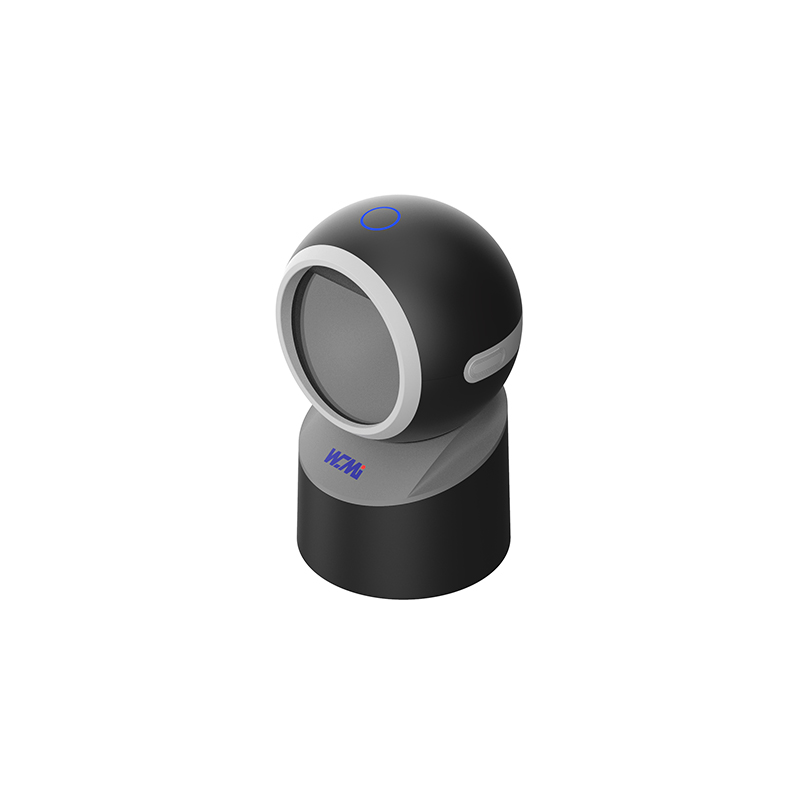
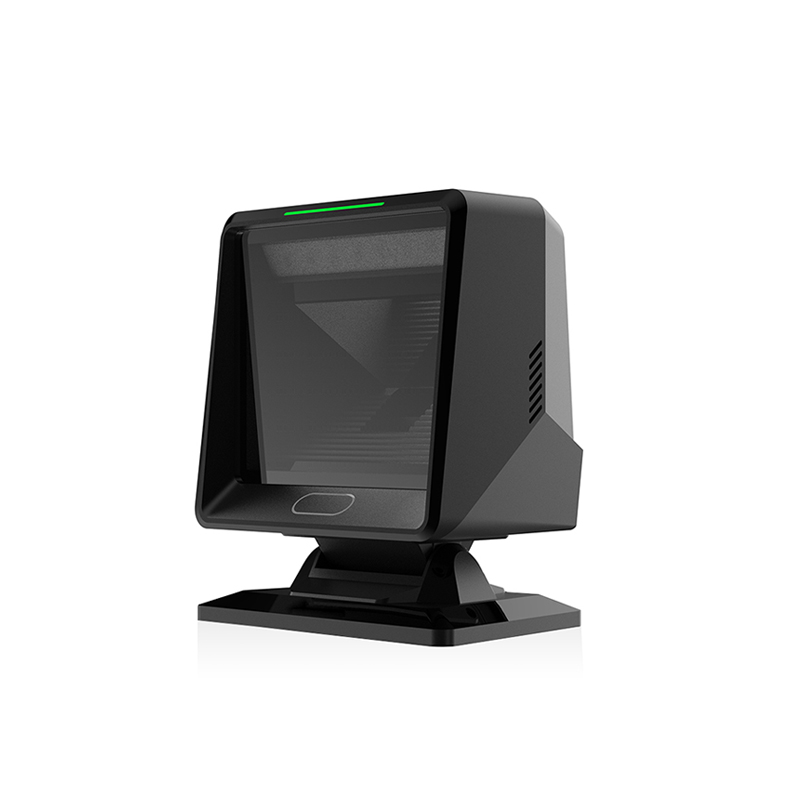
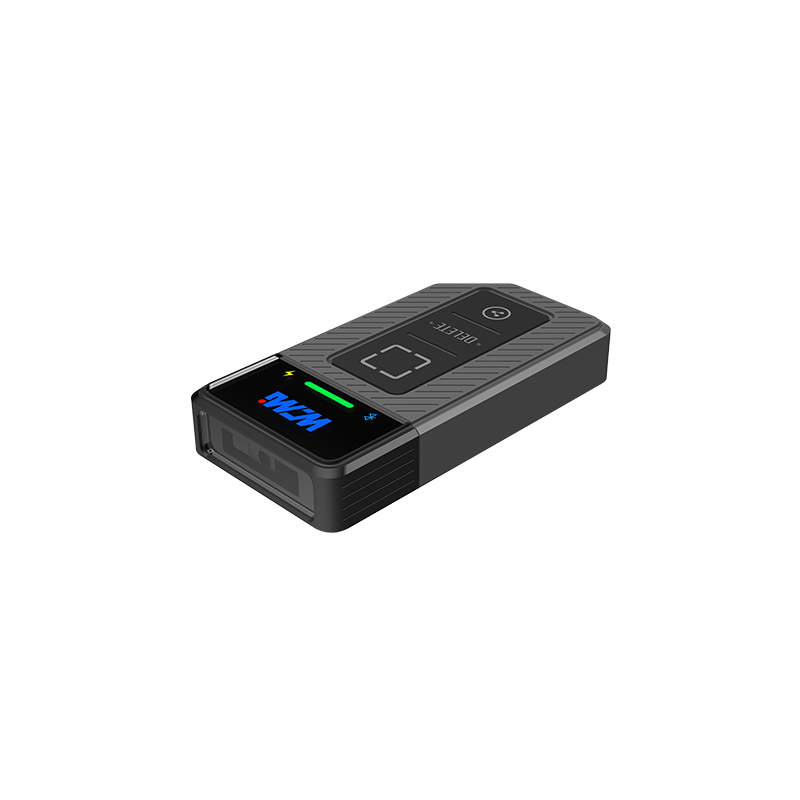
An Omni Directional Barcode Scanner uses multiple scan lines, an optical imaging system, or a combination of both to capture a barcode from several angles. Instead of requiring the operator to align one laser beam with the barcode, the scanner creates a wider decoding field.
This design is particularly useful for:
In contrast, a conventional linear scanner typically performs best when the barcode is oriented directly toward the scan window. An Omni Barcode Scanner reduces this orientation dependency, allowing the operator to pass products across the scan field more naturally.
WCMI solutions can be evaluated as part of a complete POS hardware system, including:
With a single-line scanner, the cashier may need to rotate a product until the laser intersects the barcode bars correctly. This is especially inefficient when labels are placed on curved packaging, side panels, or irregular surfaces.
An omnidirectional scan pattern captures multiple possible orientations. The operator can move the item across the scan window without carefully controlling its angle.
The operational improvement comes from reducing:
Even a reduction of 1 second per item can be significant. At 30 items per basket and 100 transactions per hour, that represents approximately 50 minutes of potential processing time saved across the checkout workload.
Checkout speed depends on human motion as well as scanner electronics. A cashier must lift, orient, scan, and move each product. An Omni Barcode Scanner simplifies this sequence by making the scan action more tolerant of product angle and movement.
This supports a more natural workflow:
The reduced need for wrist rotation and product manipulation can also help limit repetitive motion during long shifts. In high-volume retail, ergonomic efficiency contributes to consistent throughput throughout the day.
The first-pass read rate is a key operational metric. It measures how often a barcode is decoded successfully without rescanning or manual intervention.
A high first-pass read rate depends on:
A properly configured Omni Directional Barcode Scanner can improve first-pass performance because it gives the decoder more opportunities to detect the barcode pattern. This is valuable when the symbol is tilted, partially curved, or moving through the scan field.
Barcode quality should still be controlled at the source. ISO/IEC 15415 is commonly used for 2D barcode print quality, while ISO/IEC 15416 applies to linear barcode quality. Scanner manufacturers may also use internal verification procedures for decode performance, including testing with low-contrast, truncated, damaged, or poorly positioned symbols.
Checkout delays usually result from several connected issues rather than one isolated defect.
Retail products are not uniform. A barcode may be printed on:
A narrow scan path is more sensitive to these conditions. A multi-angle Omni Barcode Scanner provides greater coverage and reduces the need for perfect positioning.
Barcodes can become difficult to read because of:
Scanner performance should not be confused with barcode quality. A high-performance reader cannot compensate for every printing defect. Retailers should combine scanner testing with barcode verification and label quality control.
For industrial or retail hardware, additional durability checks may include:
WCMI can help buyers match the scanner configuration to the POS environment rather than selecting equipment based only on nominal scan speed.
A scanner may decode quickly, but the checkout still feels slow if the interface or POS application responds slowly. Total transaction time includes:
For this reason, the scanner should be evaluated as part of the complete system. USB HID, RS-232, and other interfaces may have different integration requirements. Configuration options such as suffixes, prefixes, carriage returns, and symbology enablement must also match the POS software.
The value of an Omni Directional Barcode Scanner is not limited to a faster beep. It affects measurable retail performance.
If each product requires fewer scan attempts, checkout lanes can process more items before queues become visible. This is especially important during:
Shorter queues can improve customer satisfaction and reduce the likelihood that shoppers abandon their baskets.
A cashier who spends less time correcting failed scans can focus on customer service, age verification, packing coordination, and exception handling. In stores with self-checkout, a higher decode success rate may also reduce attendant interventions.
A scanner with a wide decode field helps standardize performance across different operators. Experienced cashiers may compensate for a difficult scanner, but temporary employees and newly trained staff need equipment that is forgiving and easy to operate.
The following model illustrates the effect of small time savings. It is an operational example, not a guaranteed result for every store.
| Metric | Conventional workflow | Omnidirectional workflow |
|---|---|---|
| Average items per basket | 25 | 25 |
| Average scan attempts per item | 1.20 | 1.05 |
| Estimated scan-related time per item | 2.5 seconds | 1.7 seconds |
| Scan-related time per basket | 62.5 seconds | 42.5 seconds |
| Difference per basket | — | 20 seconds |
At 300 transactions per day, a 20-second reduction per basket could represent approximately 100 minutes of cumulative scan-related time. The actual business result will depend on basket size, product mix, payment time, cashier behavior, and POS software performance.
Before replacing existing POS equipment, I recommend measuring the current process instead of relying only on brochure specifications.
Record:
A short observation period of 24 hours can identify obvious problems, while a 7-day sample provides a more representative view of weekday and weekend behavior.
Use the actual product mix rather than ideal test labels. Include:
Testing 100% of a selected sample can reveal whether the Omni Directional Barcode Scanner performs consistently across the store’s real inventory.
Confirm compatibility with:
A scanner that reads quickly but transmits the wrong suffix or data format can create software exceptions.
A retail scanner is exposed to dust, spills, impact, continuous operation, and frequent cleaning. Ask for documented specifications and test conditions, including:
For critical retail operations, a defined 24-hour response process can be more valuable than an unverified maximum scan-speed figure.
Neglecting checkout scanning problems creates both immediate and long-term risks.
Repeated scans consume cashier time and increase transaction variability. Stores may need additional lanes or more labor hours simply to manage demand that existing equipment cannot process efficiently.
Customers may interpret repeated scanning failures as poor service, even when the underlying issue is hardware or label quality. During periods when shoppers have more online and self-service alternatives, friction at the checkout can influence where they choose to shop.
Manual barcode entry increases the possibility of:
These errors may remain hidden until the customer reaches payment or customer service.
Retailers are increasingly adding mobile POS, self-checkout, omnichannel fulfillment, and 2D barcode support. A legacy scanner designed only for narrow 1D applications may limit future flexibility.
Choosing a modern Omni Barcode Scanner can help create a more adaptable POS foundation, provided that the device supports the required symbologies and integration protocols.
The best scanner is not necessarily the one with the highest advertised scan rate. I recommend comparing the following criteria:
For high-volume retail, the scanner should also be tested with the store’s actual labels and transaction software. WCMI can be considered when the project requires a balance of omnidirectional scanning, POS integration, installation flexibility, and ongoing technical support.
The reason Why Omnidirectional Barcode Scanners Improve POS Checkout Speed is straightforward: they reduce the alignment, rescanning, and manual intervention that slow every transaction. A WCMI Omni Directional Barcode Scanner gives operators a broader capture area, supports better first-pass read performance, and helps create a more consistent checkout workflow.
Retailers should begin with a baseline measurement, test real products, verify ISO/IEC 15415 and ISO/IEC 15416 barcode-quality requirements where relevant, and confirm POS compatibility before deployment. Even a 1-second improvement per item can produce meaningful capacity gains across hundreds of daily transactions.
If checkout queues, low first-pass read rates, or repeated manual entries are affecting your operation, now is the time to evaluate an Omni Barcode Scanner from WCMI. Improving the scan step can strengthen customer experience, labor productivity, transaction accuracy, and long-term POS readiness.
HOT PRODUCTS
It has a perfect customer response mechanism in 24 hours to provide you with first-class after-sales service.
Quick Links
Quick Links
Contact Us
Tel.: +86 22 6621 1296
Email: liu_y@wavecreating.com
Add.: No19 Xinhuanxi Road, Teda, Tianjin, China
Fax: +86 022 6621 1296
Whatsapp: 86 18522521070