Oct. 13, 2026
Omni Directional Barcode Scanner and 2D Area Imager products solve different scanning problems. One is usually designed for fast, hands-free presentation scanning at a fixed counter, while the other is built for flexible scanning across retail, warehousing, healthcare, manufacturing, and field service environments.
Purchasing teams rarely need a simple list of technical specifications. They need to know which device will reduce checkout delays, improve scanning accuracy, survive daily handling, support the required barcode types, and deliver a reasonable total cost of ownership. This comparison explains the practical differences and provides a selection framework for WCMI customers evaluating professional barcode scanning equipment.

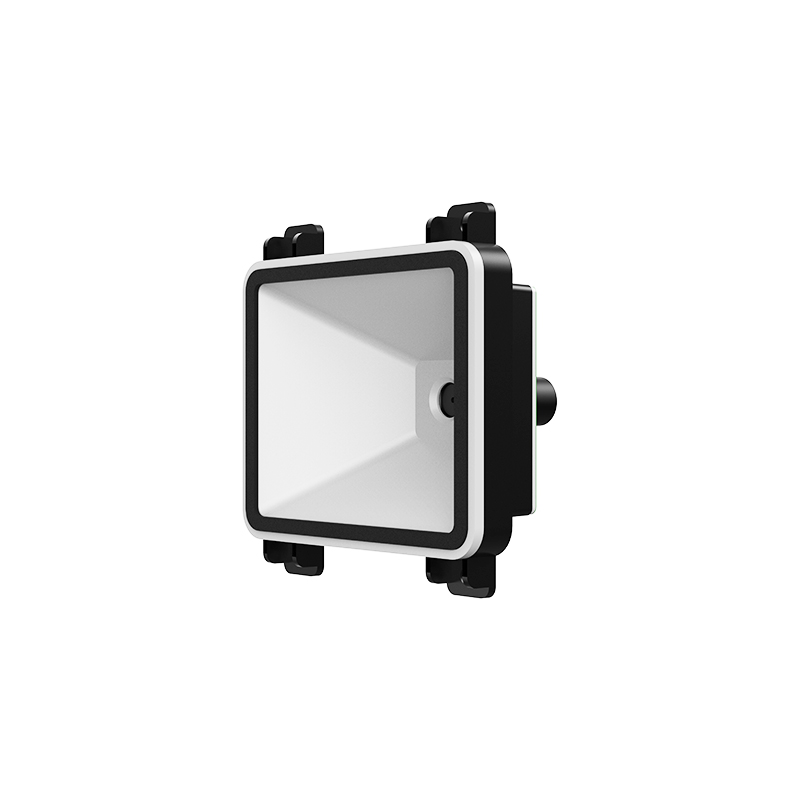
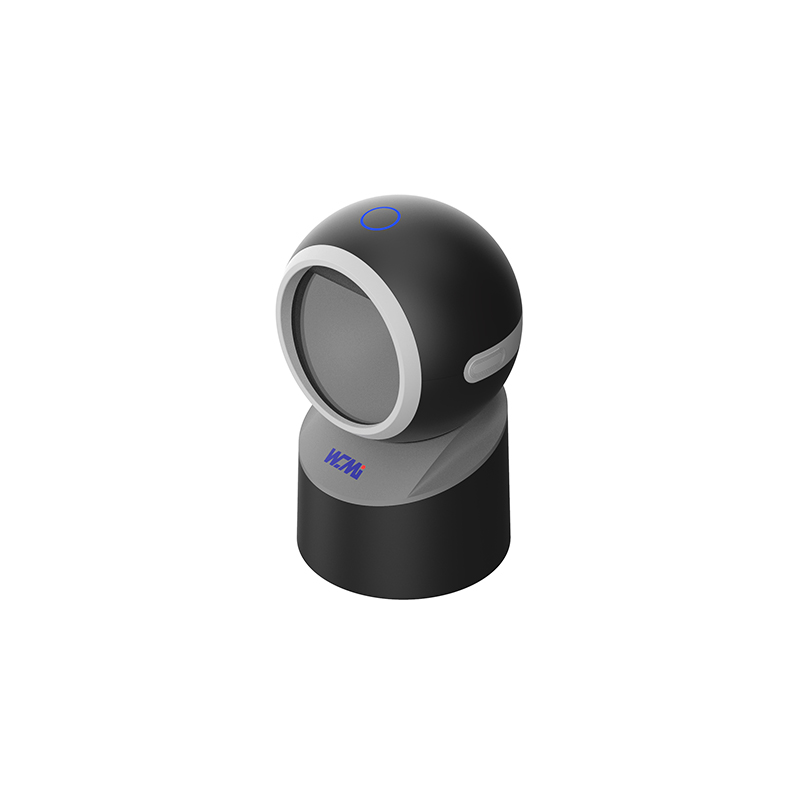
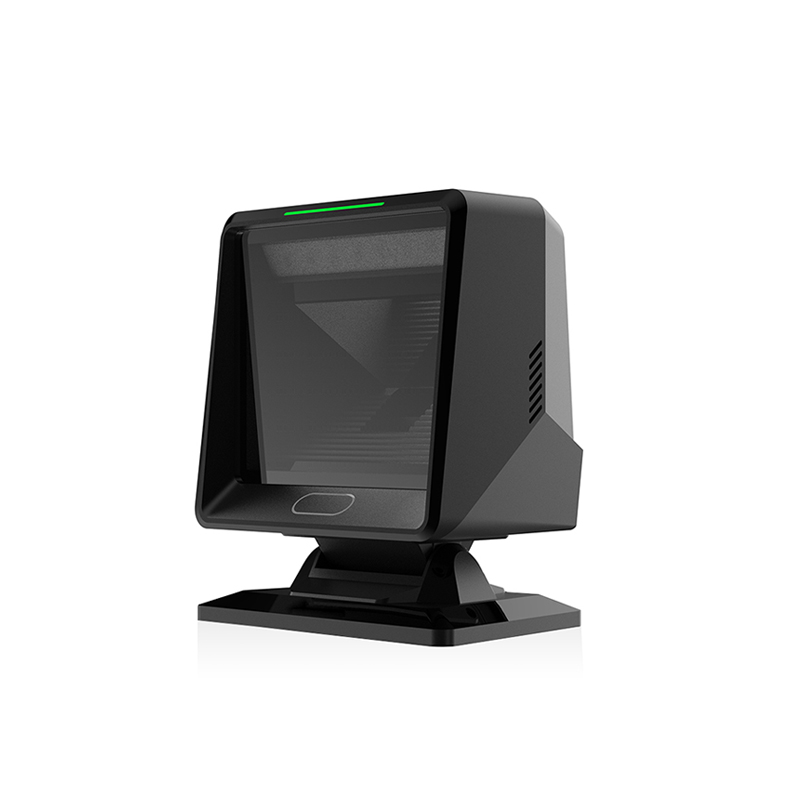
An omnidirectional scanner uses multiple scan lines or an image-based multi-angle scanning pattern to read a barcode without requiring the user to align one single laser line with the symbol. The operator can usually present a product from several directions and receive a fast scan response.
This design is valuable when the same scanning position is used throughout the day. Cashiers can move products across the scanning window instead of repeatedly adjusting the device angle.
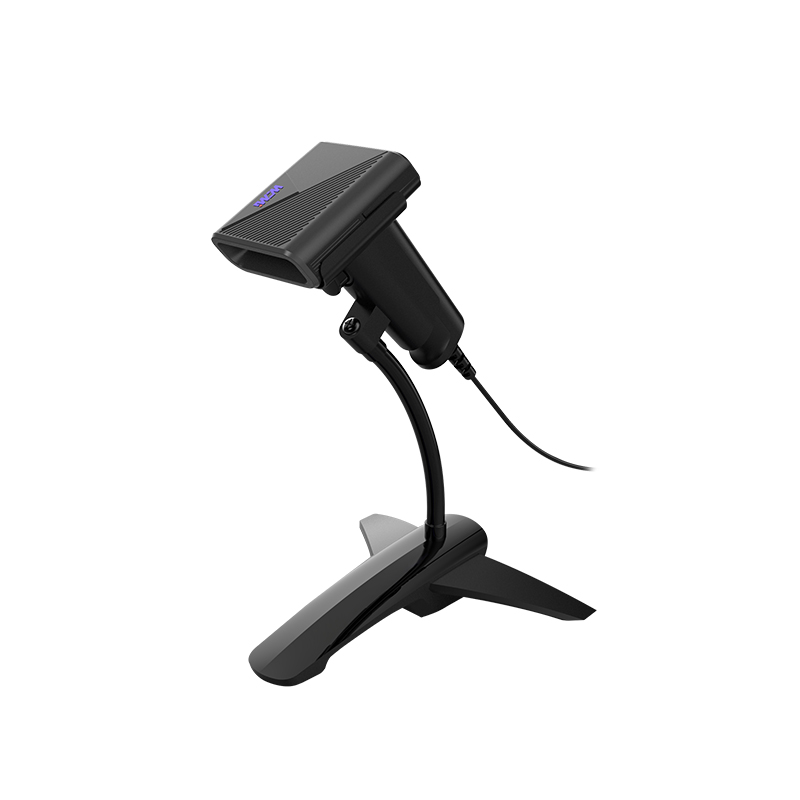
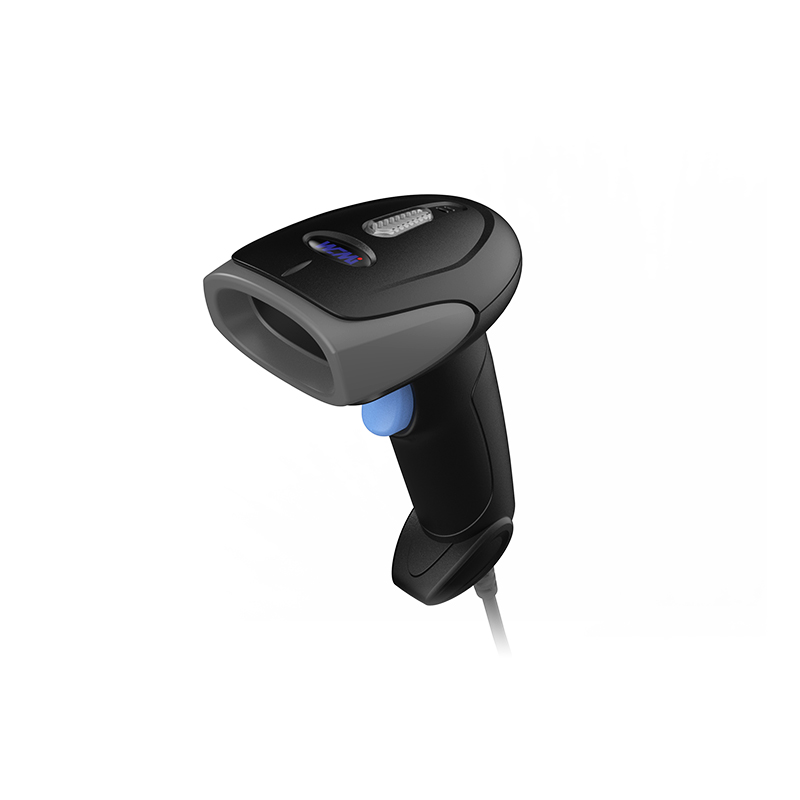
A 2D area imager captures an image of the barcode and uses decoding software to interpret the symbol. It can normally read both one-dimensional and two-dimensional codes, including codes displayed on mobile phones and printed on labels.
The central decision is therefore not simply whether one technology is newer. It is whether the business needs maximum counter throughput or maximum operational flexibility.
Manufacturers use different test conditions, decoding engines, and measurement methods. The following table provides a practical comparison framework rather than a substitute for the final datasheet of a specific model.
| Parameter | Omnidirectional Barcode Scanner | 2D Area Imager | Purchasing implication |
|---|---|---|---|
| Primary scanning method | Multiple scan lines or multi-angle image capture | Full-area image capture and software decoding | Determines whether the scanner favors rapid presentation or flexible aiming |
| Common barcode support | Primarily 1D on basic models; 1D and 2D on advanced models | Usually 1D and 2D | Confirm support for the exact codes used by the business |
| Scanning motion | Product passes through or over a broad scanning field | Operator points the device toward the barcode | Counter scanning is faster with an omnidirectional design; mobile tasks favor an area imager |
| Typical working distance | Short to medium counter distance | Short range to extended range, depending on the engine | Longer range is important for shelves, cartons, and warehouse racks |
| Screen scanning | Supported only when the model includes a suitable 2D imaging engine | Generally strong, especially with a high-quality illumination system | Important for mobile coupons, e-tickets, digital receipts, and loyalty applications |
| Scanning speed | Very fast for repeated presentation scanning | Fast, but dependent on aiming, distance, focus, and barcode condition | Measure complete transaction time rather than scan rate alone |
| Hands-free use | Usually built into the main design | Available through a stand or presentation mode on selected models | Check whether the stand is stable and easy to reposition |
| Battery requirement | Normally mains-powered or cable-powered | Corded or cordless options are common | Battery models improve mobility but create charging and replacement requirements |
| Durability | Designed for fixed counter use; housing protection varies | Handheld models often offer drop and ingress protection ratings | Match the enclosure rating to the working environment |
| Connectivity | USB, serial, or POS interface depending on the model | USB, serial, Bluetooth, Wi-Fi, or proprietary wireless connections | Confirm compatibility with POS, WMS, ERP, tablets, and mobile computers |
| Maintenance | Generally low maintenance after installation | Requires battery management, cleaning, and possible cradle maintenance | Calculate labor and replacement costs over the expected service life |
| Best operating position | Checkout counter, kiosk, service desk, or fixed workstation | Warehouse aisle, retail floor, receiving area, clinic, or field location | The physical workflow should determine the form factor |
Barcode compatibility is more than a statement that a scanner supports 1D or 2D codes. Purchasing teams should test the exact symbologies, print quality, label sizes, contrast levels, and screen brightness used in daily operations.
For this reason, a live sample test is usually more useful than selecting a device only because its specification lists a large number of supported symbologies.
In a high-volume checkout environment, the main advantage of an omnidirectional scanner is the reduction in repeated aiming. The cashier can move a product across the scanning window with less attention to the exact barcode orientation. This can make the workflow feel smoother, particularly when products are passed quickly across the counter.
Actual performance depends on several practical factors:
When the scanner is correctly positioned, users often experience fewer pauses and fewer attempts per item. However, a fixed omnidirectional unit can become inconvenient if the operator must scan a large product, a barcode on a lower shelf, or a label located away from the counter.
A 2D area imager usually requires more deliberate positioning, but it provides better control when the barcode is far away, unusually shaped, displayed on a screen, or located on an awkward surface. The user can point the device at the symbol and scan from a broader range of practical situations.
Users commonly value the following experience characteristics:
The tradeoff is that the operator may need to aim the scanner more carefully. In a checkout lane with thousands of identical scanning motions, this can be less efficient than a well-positioned omnidirectional model.
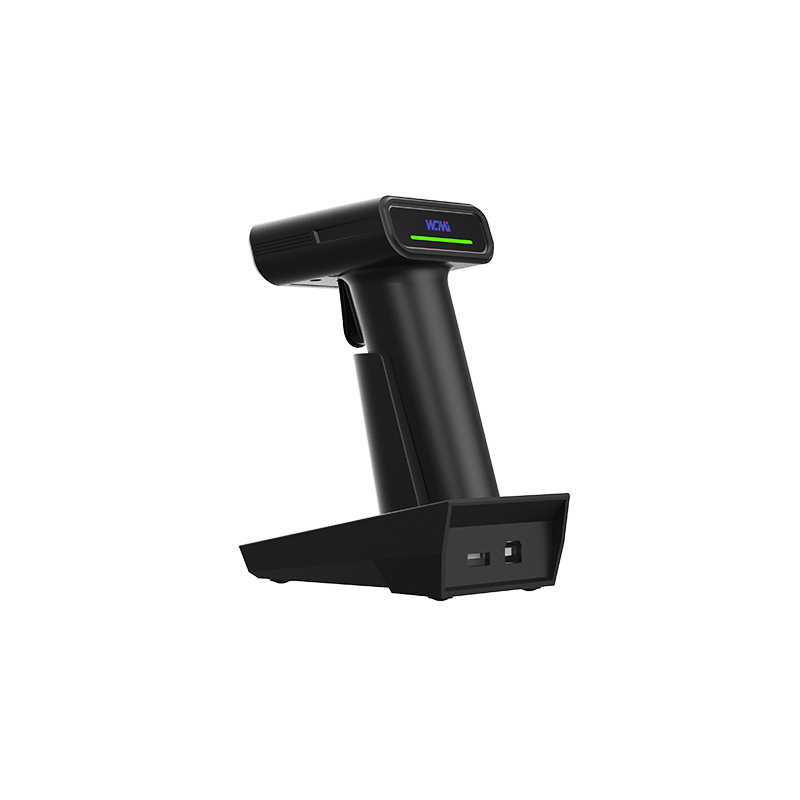
Battery life is relevant primarily to cordless 2D area imagers. A fixed omnidirectional scanner normally receives continuous power, so the operator does not need to monitor battery status during a shift.
For a cordless area imager, actual battery performance depends on:
A suitable professional model should support a complete work shift under the expected scan volume, while a spare battery or charging cradle can protect against interruptions. Purchasing teams should request test results based on their own scan frequency instead of relying only on a maximum standby figure.
Scanning performance is not complete until the data reaches the business application. A device may decode a barcode quickly but still create delays if it disconnects, sends duplicate data, loses characters, or switches unpredictably between Bluetooth and cradle modes.
During evaluation, check the following:
Fixed omnidirectional scanners generally have a simpler connectivity arrangement because they remain connected to one workstation. Cordless imagers provide more freedom but require more attention to pairing, charging, range, and device management.
Retail checkout teams usually prioritize transaction speed, low training requirements, and consistent hands-free operation. An omnidirectional scanner is often the better choice when most products pass through one fixed checkout position and the barcode is located on the packaging.
A 2D area imager becomes more attractive when the store needs to scan mobile coupons, digital loyalty codes, returns documentation, age verification codes, or products outside the normal scanning window.
Warehouse workers move between receiving docks, storage locations, picking aisles, packing stations, and shipping areas. Mobility and working distance usually matter more than hands-free counter scanning.
An omnidirectional scanner can still be useful at fixed packing or shipping stations where operators repeatedly present cartons in a consistent position.
Manufacturing environments often use small Data Matrix symbols, part labels, work-in-process codes, and asset identification tags. The scanner may need to read codes from metal, plastic, curved surfaces, or direct part marks.
A 2D area imager is generally more adaptable for these conditions, but the purchasing team should verify focus, lighting, resolution, and decoder performance with real production samples. A general retail scanner may not provide the optical performance required for small or low-contrast industrial codes.
Healthcare and service environments commonly scan patient wristbands, medication packages, tickets, identity documents, mobile screens, and printed forms. Compact size, quiet confirmation, disinfectant resistance, and data accuracy can be more important than maximum scan speed.
A controlled demonstration can make almost any scanner appear effective. A better evaluation reproduces the physical and operational conditions of the intended site.
This process converts general product claims into evidence that is relevant to the purchasing decision.
The purchasing group should involve information technology, operations, finance, and end users before final approval. Each group sees a different part of the cost and risk.
For businesses comparing WCMI equipment options, the most useful specification request includes the scanning environment, barcode examples, expected daily volume, connection method, required enclosure protection, and desired installation format.
A fixed omnidirectional scanner may cost more than a basic handheld unit, but its value can come from faster transactions, reduced aiming effort, and simpler daily operation. Because it is normally powered continuously, the business does not need to manage batteries for every checkout station.
Potential long-term costs include:
A cordless imager can serve several work areas and reduce cable restrictions. However, the purchase decision should include the cost of charging cradles, spare batteries, wireless infrastructure, configuration, and possible replacements.
Potential long-term costs include:
The lower-priced device is not always the lower-cost solution. A scanner that reduces failed scans, operator fatigue, or workstation delays may provide greater value even when its initial price is higher.
An omnidirectional scanner is usually the strongest choice when the business has a stable counter workflow, high scan volume, frequent product presentation, and limited need for mobility. It is especially appropriate when cashiers must process products quickly with minimal aiming.
A 2D area imager is usually the stronger choice when staff scan different barcode types in different locations. It is particularly suitable for mobile screen scanning, warehouse work, healthcare identification, manufacturing traceability, and asset management.
Some businesses should not force every department to use the same scanner. A fixed omnidirectional unit can handle high-volume checkout, while cordless 2D area imagers support receiving, inventory, returns, and mobile customer service.
This combined approach may increase the number of device models that must be managed, but it can also improve productivity because each team receives the form factor that matches its work. The best choice is the one that aligns scanning technology with the actual movement of people, products, and data.
In conclusion, an Omni Directional Barcode Scanner is generally the better fit for fast, fixed, hands-free presentation scanning, while a 2D Area Imager is the better fit for mobile work, digital screens, diverse barcode formats, and changing distances. By testing real labels, measuring battery life and connection stability, reviewing total ownership cost, and matching the device to the purchasing group's workflow, businesses can make a more reliable equipment decision with support from WCMI.
HOT PRODUCTS
It has a perfect customer response mechanism in 24 hours to provide you with first-class after-sales service.
Quick Links
Quick Links
Contact Us
Tel.: +86 22 6621 1296
Email: liu_y@wavecreating.com
Add.: No19 Xinhuanxi Road, Teda, Tianjin, China
Fax: +86 022 6621 1296
Whatsapp: 86 18522521070