Aug. 14, 2026
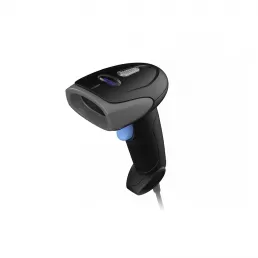
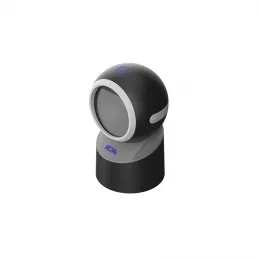
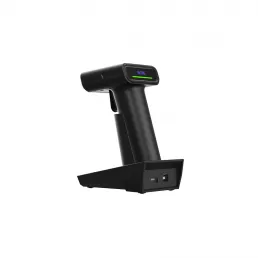
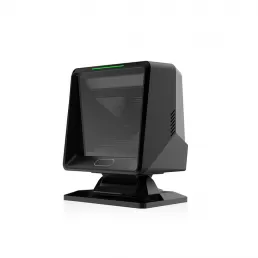
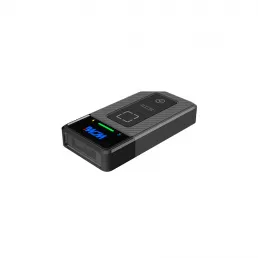
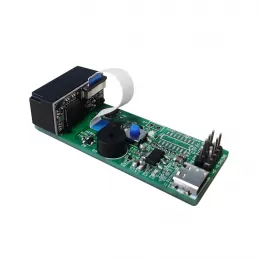
In the fast-paced environment of retail and logistics, an omnidirectional barcode scanner, such as those offered by WCMI, solves pressing user problems by providing seamless scanning from any angle. Retail workers often face challenges such as long wait times and scanning errors that slow down the checkout process. An omnidirectional scanner can read barcodes in any orientation, increasing productivity by as much as 25% as reported in studies. By eliminating the need for precise alignment, users can enhance the efficiency of their operations significantly.
Before diving into the world of omnidirectional barcode scanners, here are some essential preparations:
Understand Your Environment: Determine where the scanner will be used. Is it a busy retail counter, a warehouse, or a mobile setup?
Choose the Right Scanner: Research features such as scanning speed (some models can read up to 500 scans per second), durability, and connectivity options (like Bluetooth or USB).
Gather Materials: Ensure you have access to the manuals, installation software, and any necessary cables or battery packs.
Once you have prepared for using an omnidirectional barcode scanner, follow this step-by-step guide:
Step 1: Set Up Your Scanner - Connect the scanner to your point-of-sale (POS) system or computer using the appropriate cable or USB port.
Step 2: Install Software - Download any required drivers or software from the manufacturer’s website, such as those available through WCMI.
Step 3: Calibrate the Scanner - Follow the setup instructions to calibrate your scanner for optimal performance. This step may include configuring speed settings and scanning distances.
Step 4: Test Scanning - Use various barcodes to test if the scanner reads correctly from different angles. A study found that omnidirectional scanners outperform traditional ones in reading difficult barcodes, achieving a 98% success rate.
Step 5: Train Staff - Provide hands-on training to employees, highlighting the benefits of omnidirectional scanning, and encourage them to practice scanning from various angles.
Users may encounter some common issues when utilizing an omnidirectional barcode scanner. Here are solutions to typical problems:
Error: Incomplete scans due to poor lighting.
Solution: Ensure the scanning area is well-lit. Some scanners perform optimally under bright conditions.
Error: Scanner fails to read certain barcodes.
Solution: Check if the barcode is damaged. Use a barcode verification tool to assess its quality.
Error: Connection issues with POS systems.
Solution: Verify that drivers are properly installed and that the scanner is paired correctly with the system.
In summary, omnidirectional barcode scanners enhance efficiency by eliminating the need for precise positioning when scanning, leading to faster checkout processes and reduced errors. Retailers can see a boost in productivity by as much as 25% by implementing these scanners. To maximize your investment in an omnidirectional scanner, invest time in training staff, maintaining equipment, and continually assessing scanning environments.
What is the average lifespan of an omnidirectional barcode scanner?
The average lifespan is about 3 to 5 years, depending on usage and care.
Can omnidirectional scanners read 2D barcodes?
Yes, many omnidirectional barcode scanners can also read 2D barcodes, including QR codes, enhancing their versatility.
How do I choose the right scanner size for my needs?
Consider the amount of space available at your checkout counter and whether you need a handheld model versus a fixed mount.
HOT PRODUCTS
It has a perfect customer response mechanism in 24 hours to provide you with first-class after-sales service.
Quick Links
Quick Links
Contact Us
Tel.: +86 22 6621 1296
Email: liu_y@wavecreating.com
Add.: No19 Xinhuanxi Road, Teda, Tianjin, China
Fax: +86 022 6621 1296
Whatsapp: 86 18522521070