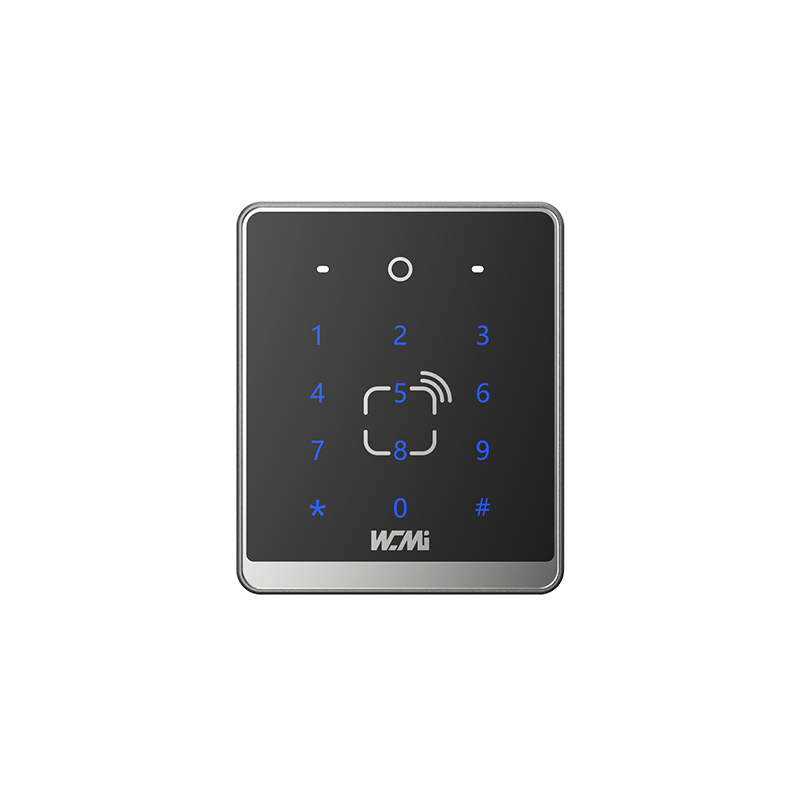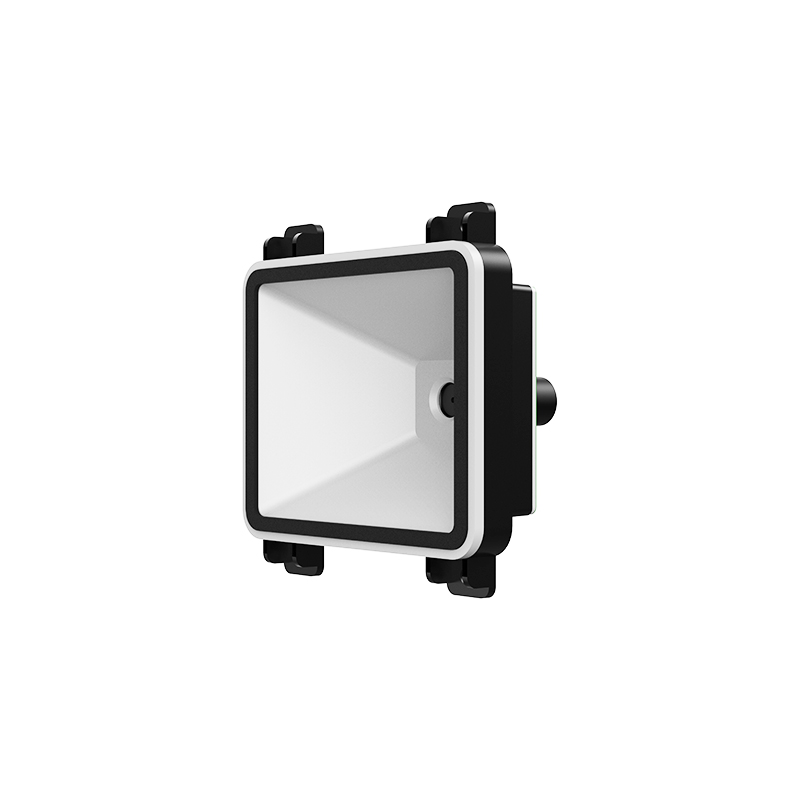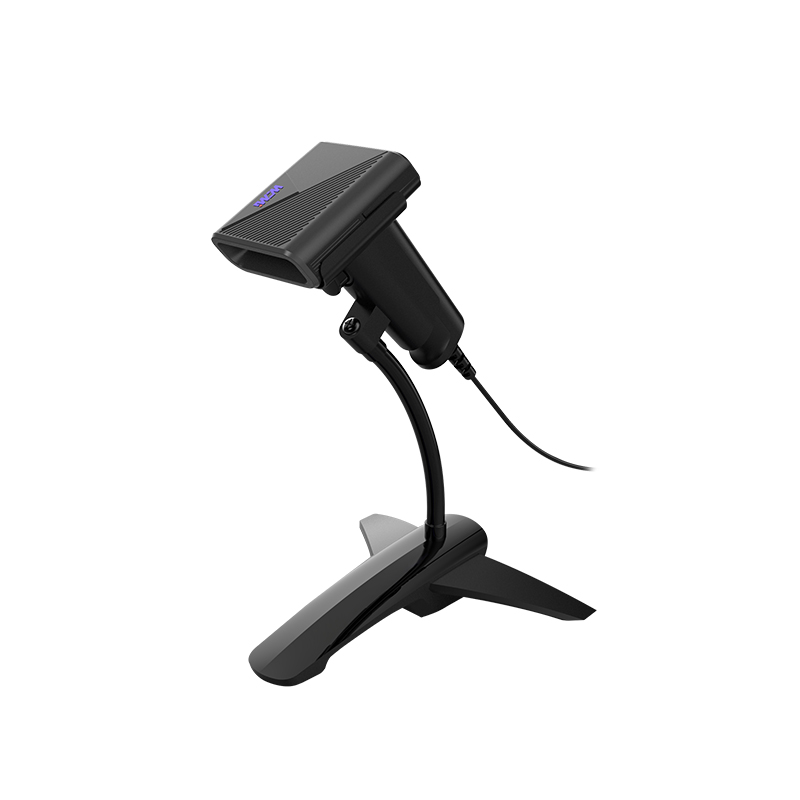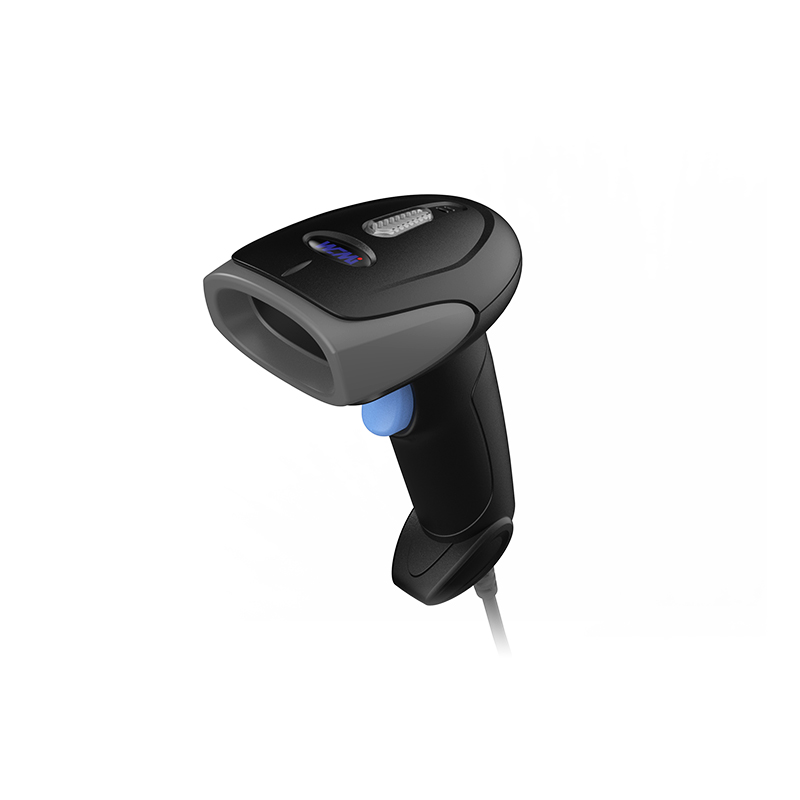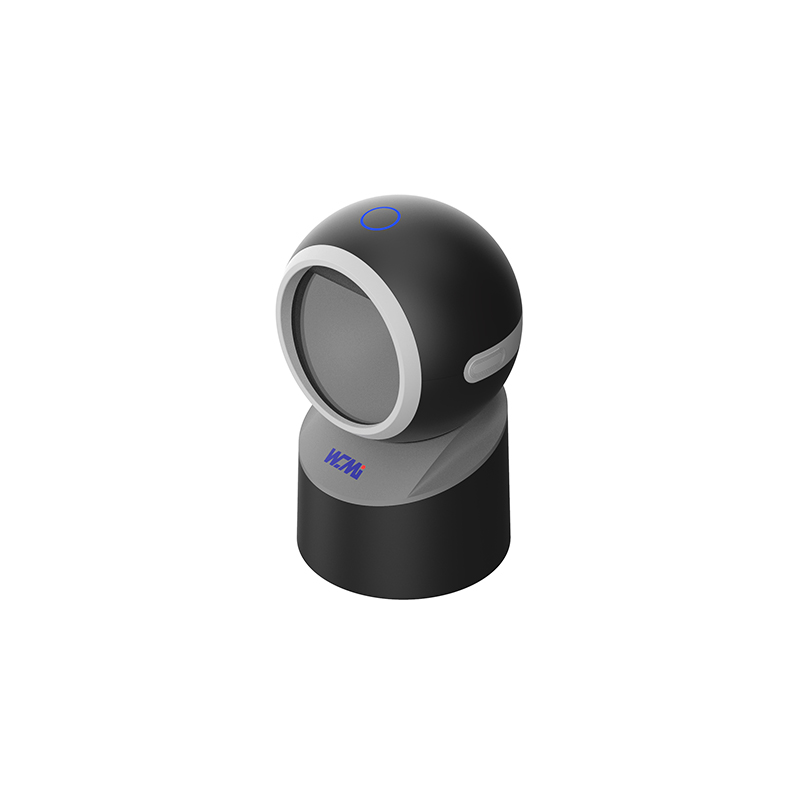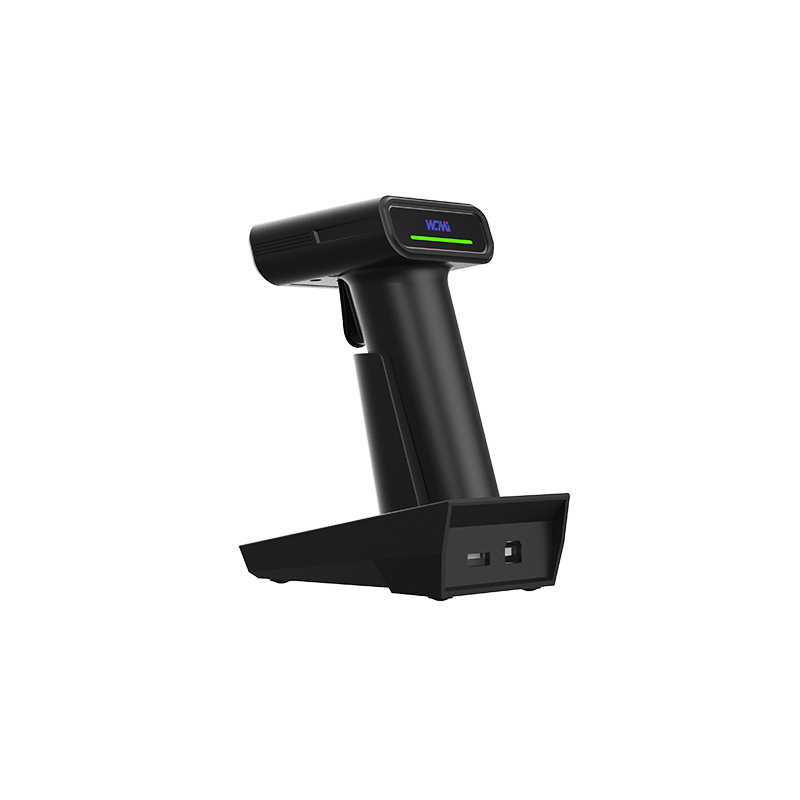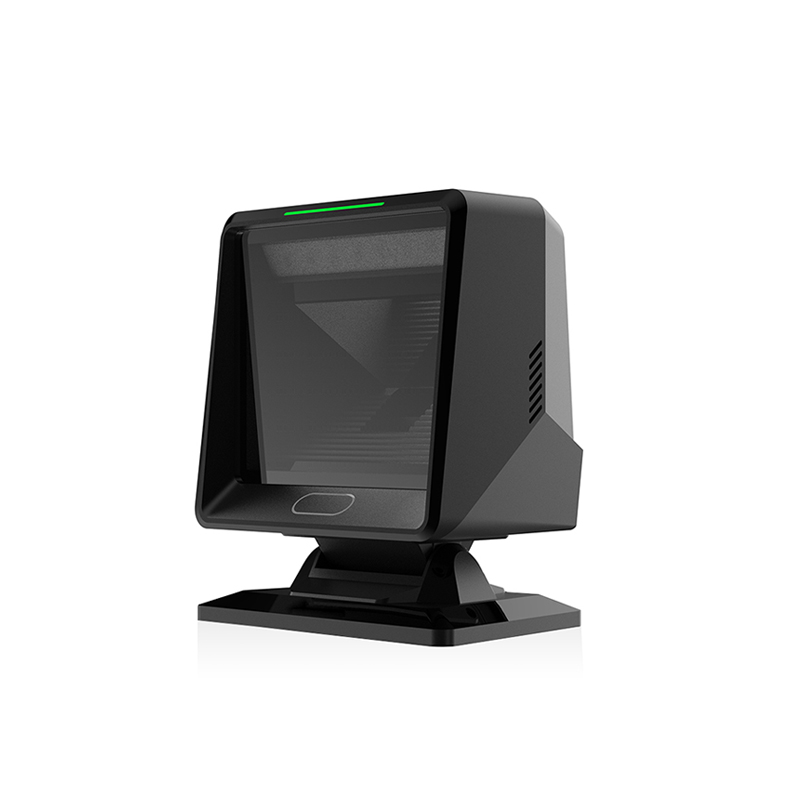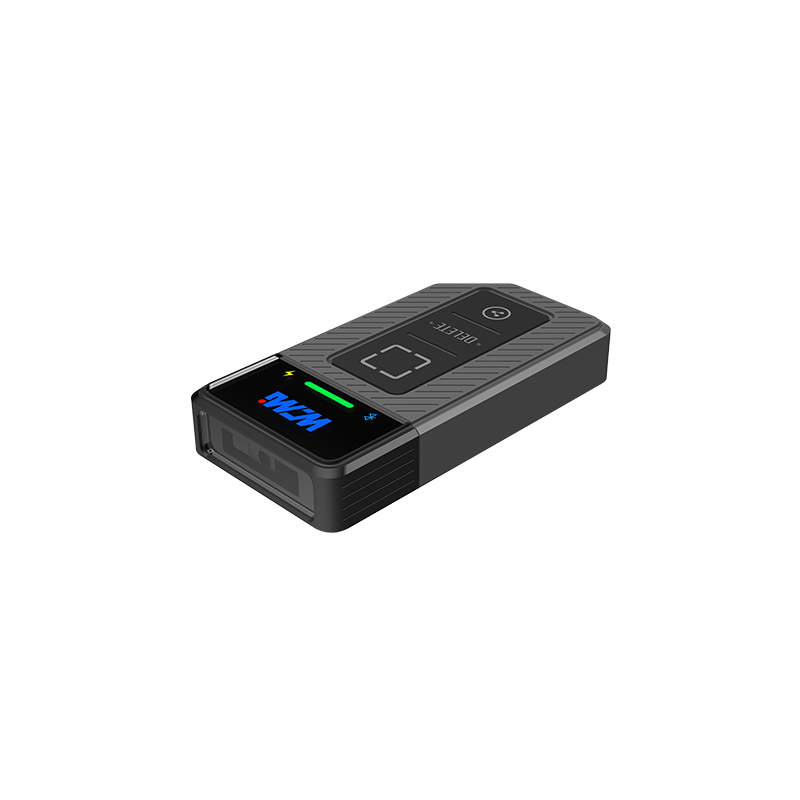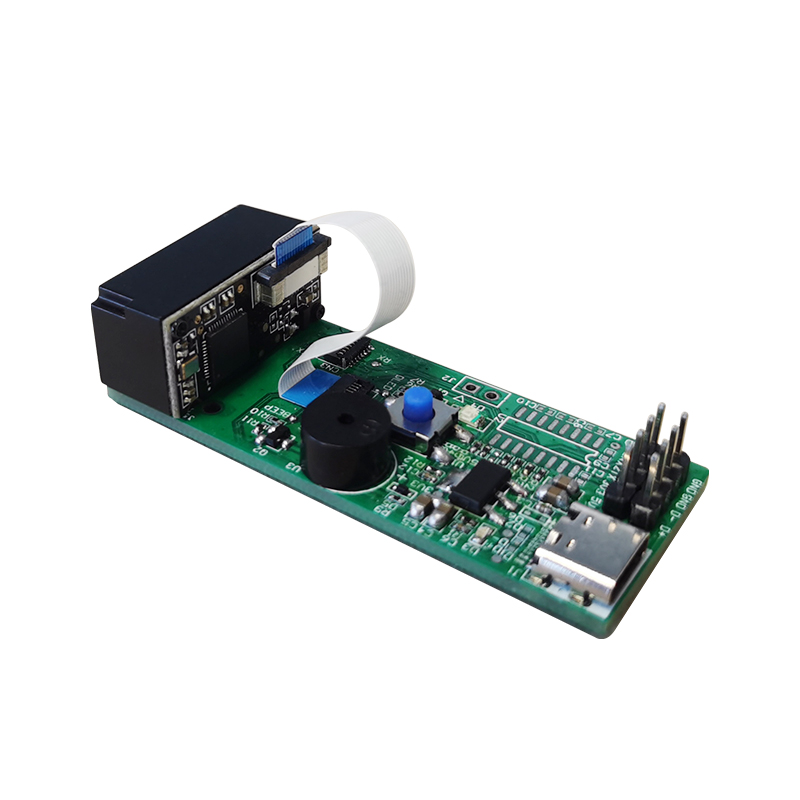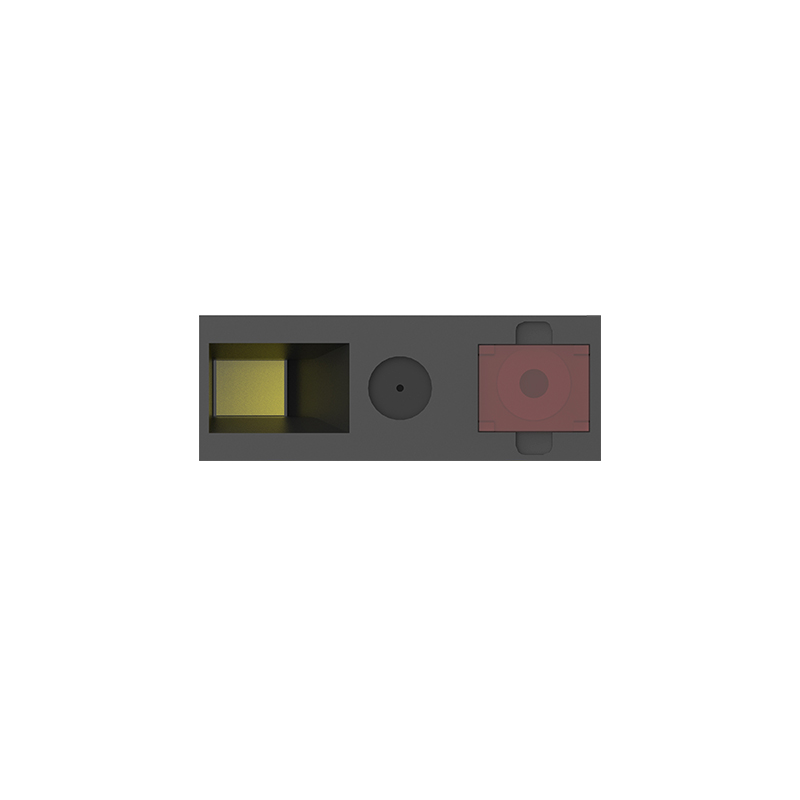
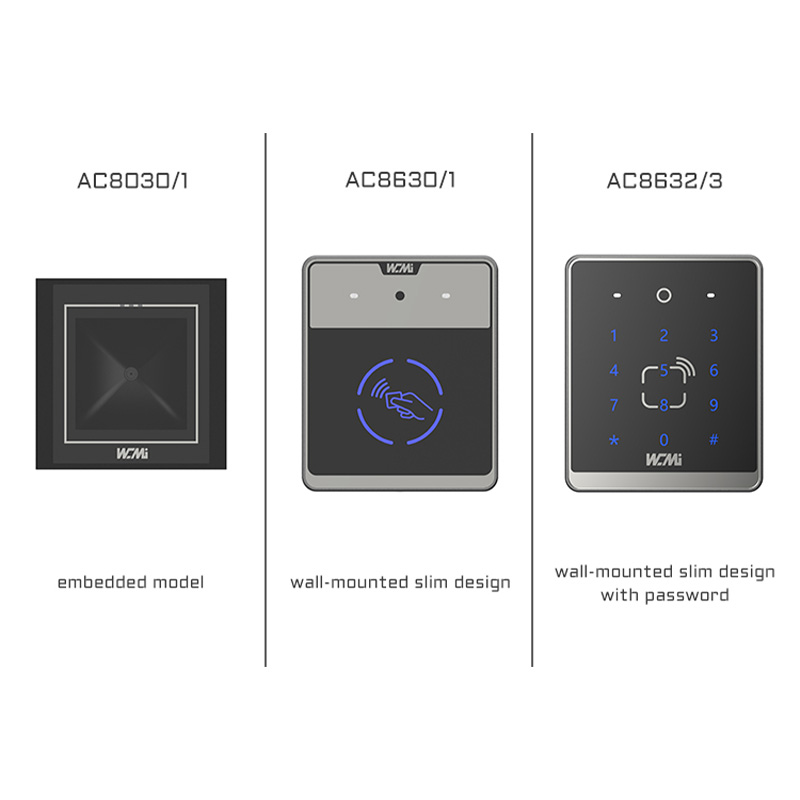

When a distributor needs a Custom Barcode Scanner OEM for distributors, or an integrator is building a custom barcode scanner for system integrators, the real challenge is not choosing a housing color. It is matching scan performance, interfaces, firmware, service terms, and compliance to a repeatable deployment. A capable private label barcode scanner manufacturer should explain 1D/2D imaging, barcode decoding, OEM/ODM development, SDK integration, and symbology support in measurable terms. This guide from WCMI shows how to turn an application requirement into a tested scanner program rather than a product sample that fails during rollout.
Custom Barcode Scanner OEM Requirements Begin with the Operating Environment
A scanner that performs well at a retail checkout may be unsuitable for a warehouse tunnel, a healthcare medication cart, or a self-service kiosk. The first decision is therefore not “which model is cheapest?” but “what must the scanner read, under what conditions, and through which host system?”
Custom Barcode Scanner Use Cases and Failure Points
- Retail and POS: The scanner may process 1D EAN-13, UPC-A, Code 128, and 2D QR or Data Matrix symbols. A practical specification should state the target scan distance, minimum module width, ambient light range, and expected scans per hour. For example, a counter scanner may require 1,200 to 2,000 scans per eight-hour shift, while a mobile checkout unit may prioritize standby power and a compact 80 to 120 mm enclosure.
- Warehouse and logistics: Labels can be wrinkled, low-contrast, partially damaged, or printed on stretch film. The requirement should include a minimum print contrast signal, skew and pitch tolerance, working distance, and drop exposure. A 2D imager with a defined 5 mil or 10 mil resolution target is more useful than a general claim such as “high-performance scanning.”
- Industrial automation: The scanner may operate continuously beside conveyors, PLCs, and motor drives. Trigger timing, decode latency, Ethernet or RS-232 communication, mounting geometry, and IP protection become central. A line integrator should request the maximum frames per second, trigger-to-decode latency, and behavior when no symbol is present.
- Healthcare: Medication and patient identification workflows often use GS1 DataMatrix, QR codes, and Code 128. The scanner should support hands-free operation, disinfectant-compatible surfaces, configurable data formatting, and audible or visual confirmation without distracting clinical staff.
- Self-service equipment: A kiosk scanner must tolerate irregular presentation angles and reflective smartphone screens. The optical window, illumination wavelength, viewing angle, sleep mode, and wake-up time can affect the user experience more than the nominal scan engine resolution.
Custom Barcode Scanner Specification Data to Collect
Ask the customer to complete a requirement sheet before requesting an OEM quotation. Record the barcode symbologies, minimum X-dimension, maximum symbol size, scan distance, presentation speed, lighting conditions, host operating system, cable length, mounting method, and annual volume. Also document the failure cost: a missed parcel at a conveyor station may cause a manual exception, whereas a failed medication scan may interrupt a regulated workflow.
For a realistic specification, replace “fast scanning” with a test condition such as: “decode a 10 mil Data Matrix at 150 mm in less than 300 ms under 500 lux illumination, with a 95% first-pass read rate across 1,000 samples.” The test population should include good, rotated, low-contrast, curved, and damaged labels. This approach gives distributors a defensible sales document and gives integrators an acceptance criterion.
Custom Barcode Scanner Technology: Terminology and Operating Principles
Custom Barcode Scanner Imager and Illumination
Most modern 2D barcode scanners use a CMOS image sensor rather than a laser line. The sensor captures an image, illumination improves contrast, and decoding software locates the finder patterns, timing patterns, and error-correction features of the symbol. A 1D laser scanner can remain appropriate for long-range linear codes, but a 2D area imager is generally more flexible when QR, Data Matrix, PDF417, or mobile-screen codes are required.
Resolution is not the same as practical reading capability. A scanner may have a high-pixel sensor but still struggle with glare, motion blur, or insufficient illumination. The meaningful parameters are minimum module width, depth of field, field of view, exposure control, decode algorithm, and the contrast between bars or modules and the substrate.
Custom Barcode Scanner Symbology and Data Formatting
Symbology support defines which barcode structures the device can decode. Common retail formats include UPC-A, EAN-13, EAN-8, and Code 128. Logistics and manufacturing commonly add GS1-128, GS1 DataMatrix, PDF417, Micro QR, and industrial variants. GS1 application identifiers may place lot numbers, expiration dates, serial numbers, and product identifiers in one symbol, so the host application must receive the data in the correct order.
Data formatting is often the hidden integration issue. A scanner may need to add a carriage return, remove an application identifier, prepend a station ID, or transmit a tab character after each read. Confirm whether the requirement is keyboard emulation, USB CDC, RS-232, Bluetooth HID, Bluetooth SPP, Ethernet, or a proprietary protocol. The same optical engine can produce very different deployment results if its interface configuration is poorly documented.
Custom Barcode Scanner Firmware, SDK, and Host Integration
Firmware controls trigger modes, illumination, beeper volume, sleep timers, exposure behavior, symbology enablement, and communication settings. An SDK may provide APIs for image capture, decoder configuration, device discovery, firmware updates, and event handling. System integrators should request the operating-system matrix, API language bindings, sample code, error codes, and version-control policy before approving the hardware.
For a production project, define backward compatibility. For example, a firmware update should not silently change the transmitted suffix, disable a required symbology, or alter the default trigger timeout. A configuration barcode, JSON profile, command-line utility, or remote management API can reduce field-service time when hundreds of scanners are deployed at different customer sites.
Custom Barcode Scanner OEM Development Process
The following sequence helps distributors and system integrators control cost, schedule, and technical risk. Each stage should produce a reviewable output rather than relying on informal conversations.
Custom Barcode Scanner Step 1: Convert the Application into a Product Brief
- List every barcode type and the minimum module width. Include samples from actual suppliers, not only clean laboratory labels.
- Define the physical envelope, lens position, mounting holes, scan window, cable exit, button location, and indicator visibility.
- Specify communication interfaces, power input, current limits, connector type, operating temperature, storage temperature, and expected duty cycle.
- Set measurable targets for first-pass read rate, decode latency, working distance, drop resistance, ingress protection, and service life.
A useful product brief separates mandatory requirements from preferences. If the scanner must fit a 90 mm-wide kiosk bay, that is a design constraint. If a black enclosure is preferred but not essential, it belongs in a secondary priority. This distinction allows the OEM team to protect performance when the budget or component supply changes.
Custom Barcode Scanner Step 2: Select the Scan Engine and Architecture
- Compare laser, CCD, and CMOS area-imaging architectures against the barcode mix and presentation method.
- Review the sensor resolution, lens field of view, illumination arrangement, processor capacity, decoder licensing, and thermal behavior.
- Check whether the engine supports the required image formats and whether image capture can be disabled for privacy-sensitive deployments.
- Evaluate availability and lifecycle status for the sensor, processor, cable, connector, and illumination components.
At this point, a supplier should provide a technical datasheet, interface definition, dimensional drawing, sample configuration file, and preliminary test results. A distributor should also ask whether the same engine is used across multiple housing options. A common platform can reduce training and spare-part complexity, while a specialized engine may be necessary for long-range or high-speed applications.
Custom Barcode Scanner Step 3: Build and Test Engineering Samples
- Use rapid prototypes to verify the scan window, cable bend radius, mounting clearance, and user presentation angle.
- Test the complete host path, including USB enumeration, serial settings, driver behavior, application parsing, and data suffixes.
- Measure read performance with a structured sample set. Record symbol type, X-dimension, distance, angle, lighting, surface, and result.
- Run thermal, vibration, ESD, drop, connector insertion, and continuous-operation tests according to the application risk profile.
For example, an integrator can create a 1,000-label validation set containing 700 nominal labels, 100 rotated labels, 80 low-contrast labels, 60 smartphone-displayed labels, and 60 damaged or partially obscured labels. Report first-pass read rate and average decode time separately. A 98.5% aggregate rate can hide a 91% result on glossy mobile screens, which may be unacceptable for a kiosk.
Custom Barcode Scanner Step 4: Finalize the Enclosure and Private Label Package
- Freeze the industrial design only after confirming optical alignment and scan-window geometry. A decorative bezel can reduce the field of view or create reflections.
- Select plastics, coatings, screws, gaskets, labels, and windows based on chemical exposure, impact, cleaning agents, and temperature.
- Approve the logo position, model number, serial-number format, carton artwork, user guide, configuration sheet, and regulatory markings.
- Define tooling ownership, mold maintenance, engineering-change notification, and minimum order quantities in the commercial agreement.
Private labeling should not stop at printing a logo. A professional OEM package includes a controlled firmware identity, consistent model naming, traceable serial numbers, branded documentation, and a support process. WCMI can help distributors structure these items so the scanner appears as a coherent product line rather than an untraceable rebranded sample.
Custom Barcode Scanner Step 5: Validate Compliance and Production Quality
- Identify the destination-market requirements for electromagnetic compatibility, electrical safety, radio communication, environmental substances, and battery transport if applicable.
- Confirm whether the final assembly, adapter, cable, and wireless module are included in the compliance configuration. A certified module does not automatically certify every finished product combination.
- Create an incoming inspection plan covering housing dimensions, optical window condition, cable continuity, firmware version, scan function, and label readability.
- Use a golden sample and a controlled test fixture for every production lot. Record serial number, test result, firmware version, and operator or station ID.
Acceptance sampling can be based on an agreed AQL plan, while critical functions such as power-up, communication, and barcode decoding may require 100% functional testing. The correct quality level depends on failure consequences, not on a generic promise of “strict quality control.”
Custom Barcode Scanner Step 6: Manage Pilot Production and Scale-Up
- Start with a pilot batch large enough to expose assembly variation, often 50 to 200 units depending on the design and deployment risk.
- Place pilot units in the real environment for at least one operating cycle, such as a week of warehouse shifts or several thousand retail transactions.
- Classify every issue as optical, mechanical, electrical, firmware, documentation, packaging, or application-related.
- Freeze the bill of materials and firmware only after corrective actions are verified on representative units.
Scale-up should include a demand forecast, safety-stock policy, component lead-time review, repair procedure, and end-of-life notification period. For distributors, a documented replacement model is especially important when a customer expects support for five to seven years.
Custom Barcode Scanner Commercial Planning for Distributors
Custom Barcode Scanner Cost and MOQ Analysis
Unit price is only one part of the acquisition cost. Include tooling, engineering fees, decoder licensing, compliance testing, packaging, sample freight, spare units, firmware maintenance, warranty returns, and technical support. A scanner priced 8% lower may create a higher total cost if its failure rate adds 12 minutes of manual handling per station per shift.
Request a tiered quotation at sample, pilot, and production volumes. Clarify whether the minimum order quantity applies to the housing, logo print, firmware customization, packaging, or complete scanner. Also confirm whether a mixed-model order can share the same tooling and component forecast.
Custom Barcode Scanner Warranty and After-Sales Support
A workable support agreement should define the warranty period, return-material authorization process, repair turnaround, spare-part availability, firmware update policy, and escalation contacts. Ask for a failure analysis report when the same fault appears repeatedly. Useful field data includes units deployed, failure mode, operating hours, environmental conditions, firmware version, and whether the issue is reproducible.
For system integrators, documentation is part of the product. The package should include a programming guide, command reference, configuration utility, sample code, pinout, mounting drawing, cleaning instructions, and a change-history document. These materials reduce integration time more reliably than an extra list of marketing features.
Advanced Custom Barcode Scanner Optimization Techniques
Custom Barcode Scanner Performance Tuning
Start with exposure and gain rather than immediately increasing illumination. Excessive gain can amplify noise, while excessive exposure can create motion blur. For moving labels, test the relationship between conveyor speed, exposure time, frame rate, and trigger timing. A useful result might be “decode latency below 250 ms at 0.8 m/s with a 95% first-pass rate,” not simply “supports high-speed scanning.”
For reflective packaging, adjust the illumination angle, polarizing filter, scan-window geometry, and user presentation guidance. For curved bottles, evaluate field of view and depth of field with symbols placed at the center and edges of the label. For smartphone screens, test brightness levels, refresh artifacts, and glare from protective glass.
Custom Barcode Scanner Data Security and Device Management
In healthcare, finance, and logistics, barcode data may contain identifiers that should not be stored unnecessarily. Consider disabling image retention, restricting configuration access, signing firmware packages, and separating administrator commands from ordinary scan data. Wireless models should use the security mode required by the host environment and should not retain pairing credentials beyond the intended lifecycle.
For multi-site deployments, maintain a device inventory with serial number, location, firmware version, configuration profile, and replacement history. Remote diagnostics can reduce on-site visits, but only if the API and communication protocol are documented and protected.
Custom Barcode Scanner Case: Warehouse Packing Station
Consider a distributor supplying scanners to a warehouse software integrator. The station required Code 128 and GS1 DataMatrix, USB communication, a 100 to 400 mm working distance, operation under 300 to 800 lux, and eight hours of continuous use. Initial samples produced a 97.1% first-pass read rate on clean labels but dropped to 89.4% on glossy, curved parcels.
The engineering team changed the scan-window angle, retuned exposure, enabled a targeted illumination profile, and added a configuration that transmitted the GS1 data string with a defined carriage-return suffix. A second 1,000-label test reached 98.3% first-pass performance on the mixed sample set, with median decode time of 184 ms. The result came from controlled optical and firmware changes, not from an unverified claim that the scanner was “industrial grade.”
How to Choose a Custom Barcode Scanner OEM Partner
Compare suppliers using evidence: sample test reports, engineering response time, component lifecycle planning, firmware documentation, production traceability, compliance files, and warranty data. A supplier that answers technical questions with measurement conditions is easier to manage than one that provides only a broad scan-distance range.
Before signing, confirm ownership of tooling and firmware modifications, confidentiality terms, forecast obligations, change-notification timing, approved component substitutions, inspection rights, and the process for handling nonconforming goods. The best partnership is not necessarily the lowest quote; it is the one that keeps performance stable from prototype to the last production lot.
For distributors and system integrators seeking a custom barcode scanner OEM for distributors, a custom barcode scanner for system integrators, or a private label barcode scanner manufacturer, WCMI offers a structured path from requirement analysis to sample validation, firmware configuration, enclosure customization, production testing, and after-sales support. Specify the required 1D/2D imaging range, barcode decoding conditions, SDK or interface requirements, symbology list, and acceptance data at the beginning; contact WCMI to discuss a custom program built around measurable deployment results.